
Nityasha is no longer just an assistant. It is your personal Chief of Staff.
Today we are introducing Neorox, the new engine behind Nityasha that brings autonomous planning, intelligent task management, and emotional awareness to your daily workflow.
What is Neorox
Neorox is how Nityasha thinks. It powers every decision, every suggestion, and every action the assistant takes on your behalf.
The difference is simple: previous assistants waited for instructions. Neorox anticipates what you need and handles it before you ask.
New Capabilities
Nityasha Beat
Beat is the automation layer that runs continuously in the background.
Every morning, Beat scans your Gmail for urgent messages, checks your Calendar for conflicts, and reviews your Docs for approaching deadlines. It then constructs your entire day—optimized for focus, not chaos.
When plans change, Beat adapts. A meeting runs late, and the rest of your schedule adjusts automatically. No manual intervention required.
What you experience: You wake up to a planned day. You focus on work, not logistics.
Smart Tasks
Tasks are no longer a list you ignore. They are commitments with protected time.
When you add a task with a deadline, Nityasha immediately finds space in your calendar. If no space exists, it identifies meetings that can be moved and suggests adjustments.
What you experience: Every task has a time. Nothing falls through the cracks.
Mood Detection
Nityasha now reads tone, not just text.
If you send a stressed message—"cancel everything I can't do this"—the assistant does not execute blindly. It recognizes overwhelm. It protects your critical commitments while clearing non-essential obligations. It creates breathing room.
What you experience: An assistant that understands when to push and when to protect.
Connected Apps
Nityasha lives inside your workspace.
Currently integrated with Gmail, Google Calendar, Google Contacts, Google Meet, Google Drive, and Google Docs. The assistant reads context from your actual work environment and takes action across platforms.
What you experience: One assistant. Every app. Seamless.
Before and After
Schedule Disruption
Before: "You are running late. Who should I contact? What should I say?"
After: "Done. I notified attendees, pushed your start time by 20 minutes, and compressed buffers to protect the rest of your day."
Workload Overwhelm
Before: "Here is your task list. Try to prioritize the important ones."
After: "I declined the optional sync, moved admin tasks to Friday, and created a 3-hour block for your main project. Focus on that."
Weekly Planning
Before: "Here are your empty slots. What would you like to add?"
After: "This is a builder week. I stacked meetings on Tuesday and Thursday. Monday, Wednesday, and Friday are protected for deep work."
Email Drafting
Before: "Subject: Hello. Dear Sarah, I hope this finds you well..."
After: "I researched Sarah's recent product launch. The draft references her announcement and positions our solution for her specific scaling challenge. Ready in your drafts."
Performance
Neorox delivers measurable improvements:
- 60 percent faster response times
- 40 percent improvement in task completion accuracy
- Expanded context handling for multi-day planning
- Deeper integration with Google Workspace
Availability
Nityasha Neorox is available now to all users. No cost during open beta.
This is not an upgrade. This is what a personal assistant should have been from the beginning.
Hire Nityasha at ai.nityasha.com
Read more

Master Your Day: Complete Task Management with Nityasha AI
Transform your productivity with Nityasha AI's intelligent task management system. Create to-do lists, set smart reminders, and send emails seamlessly across all your devices.

Advanced Nityasha AI Tips: 7 Hidden Features You Didn't Know About
Unlock Nityasha AI's full potential with Beat planning and app integrations. Step-by-step tutorial to connect Gmail, Calendar, Drive and more for 10x productivity.
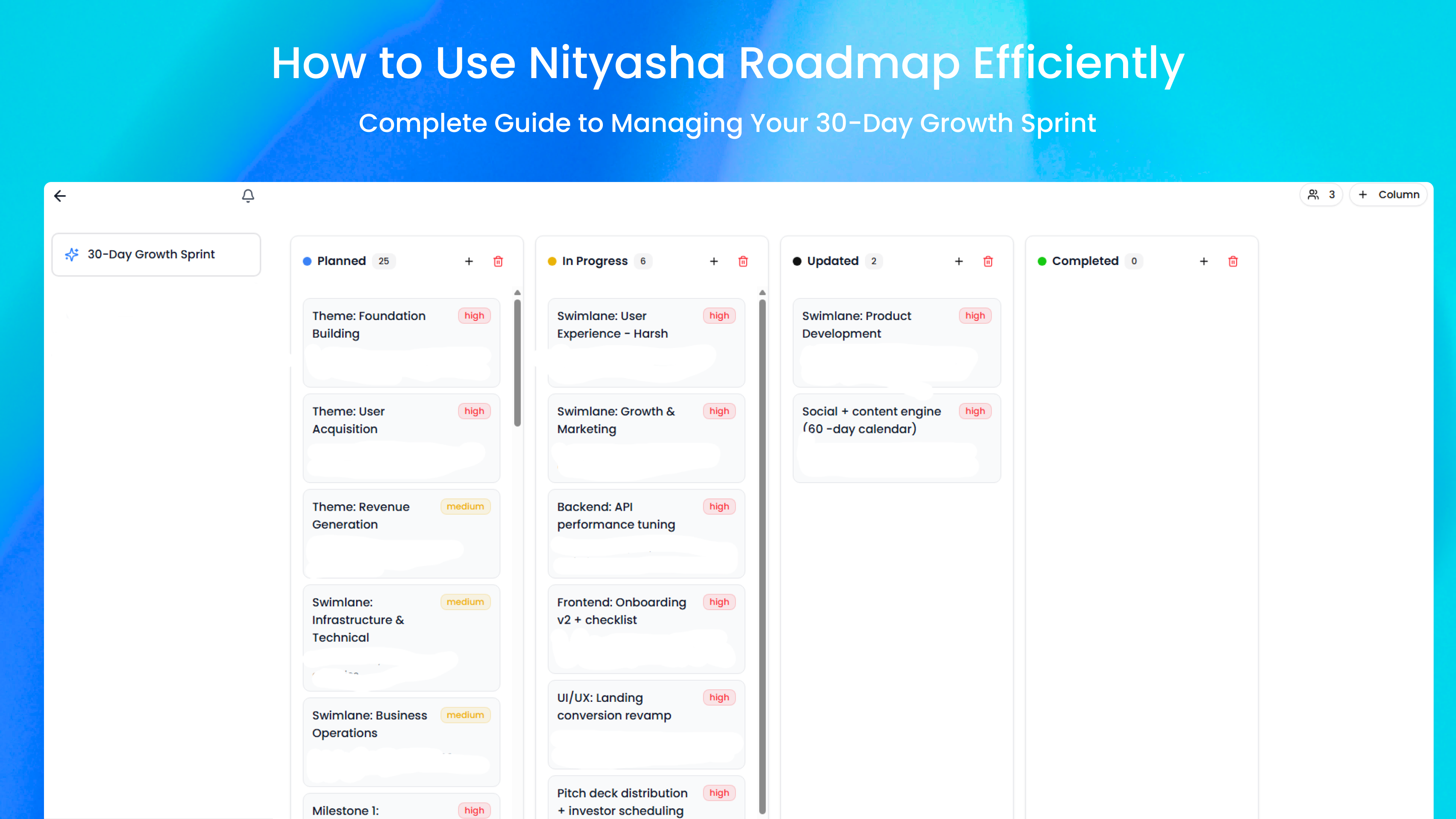
How to Use Nityasha Roadmap Efficiently: Complete Guide to Managing Your 30-Day Growth Sprint
Master the Nityasha Roadmap tool with this complete guide. Learn how to organize tasks, track progress, and achieve your growth goals using the Kanban board system.